For construction contractors
Site photos in. Client-ready progress reports out.
Sitefile turns the photos your team already takes into verifiable progress evidence — linked to your programme and delivered as a branded PDF report your client can trust.

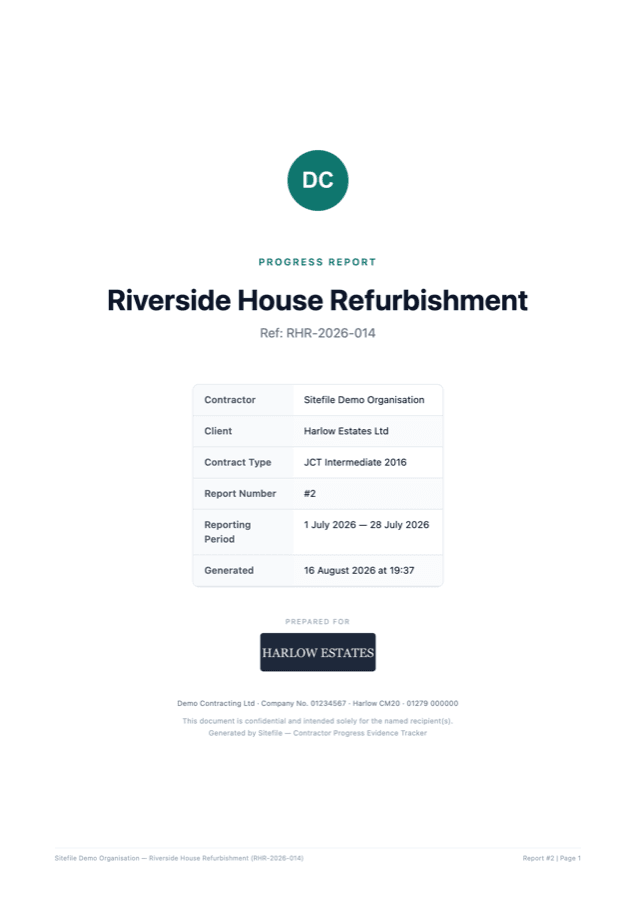
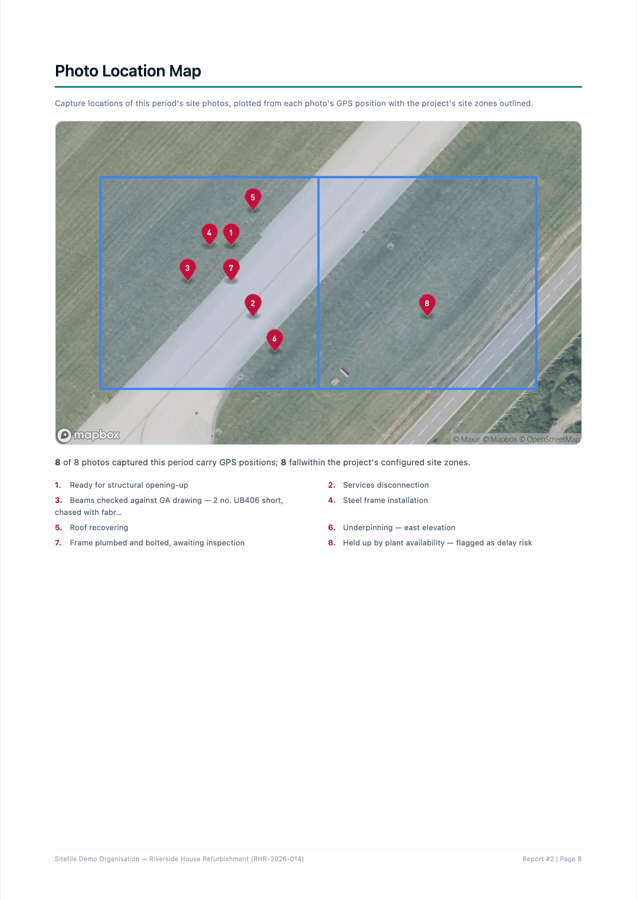
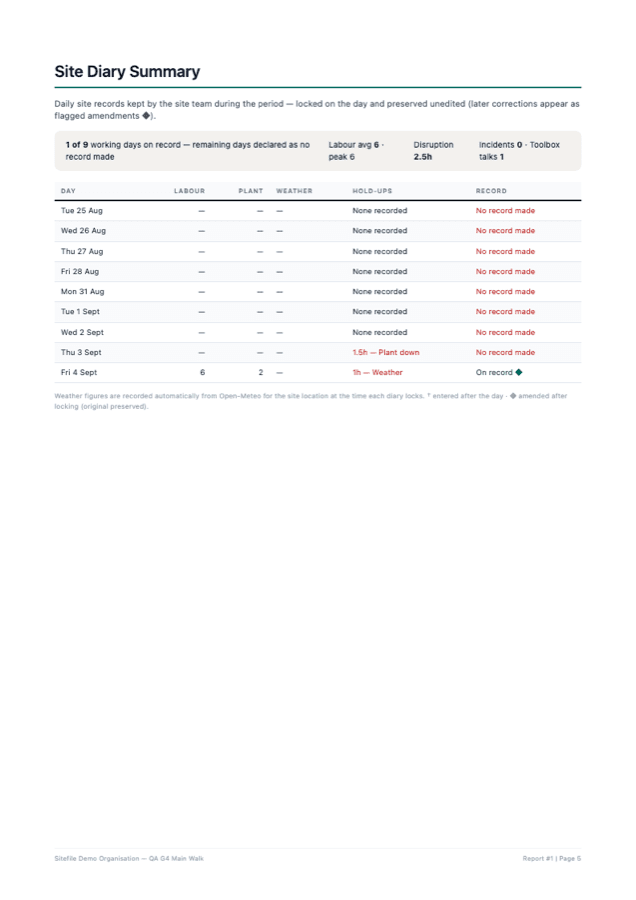
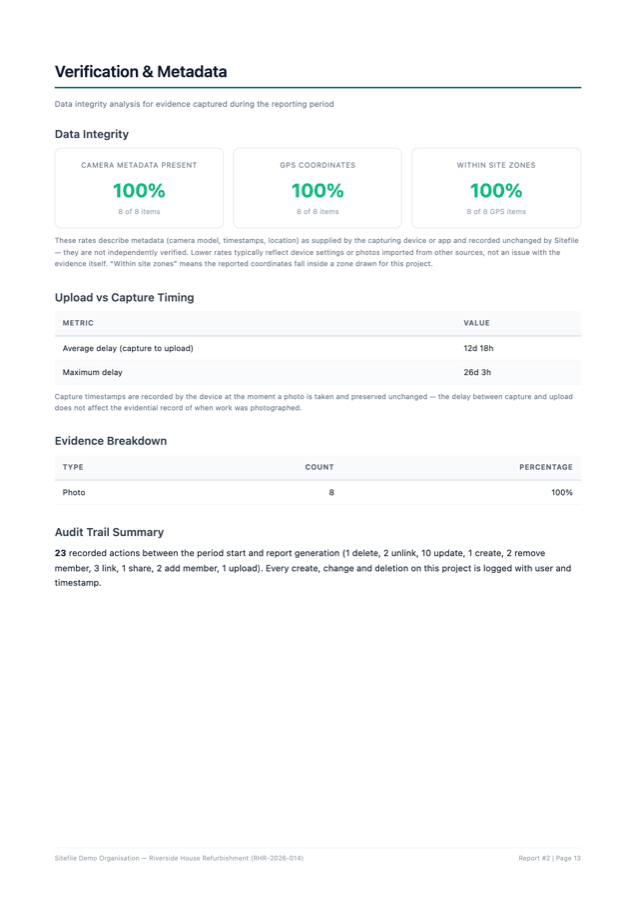
Actual generated output — your logo, your colours, your client's logo. Produced in one click.
How it works
Three steps — two of them are what your team already does.
Capture on site
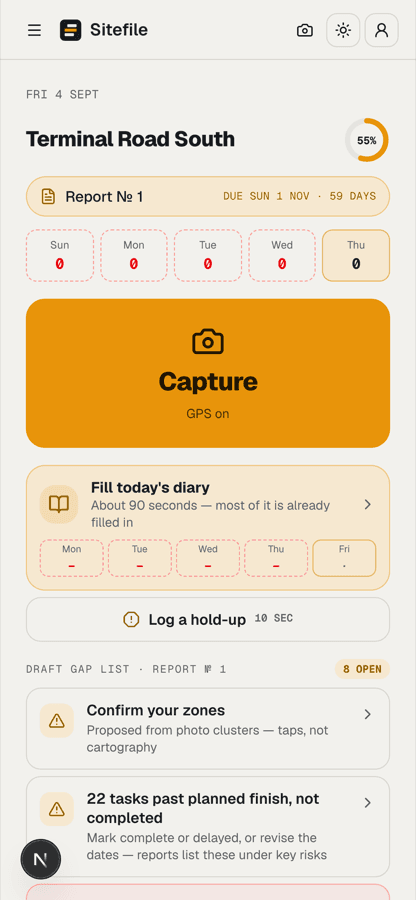
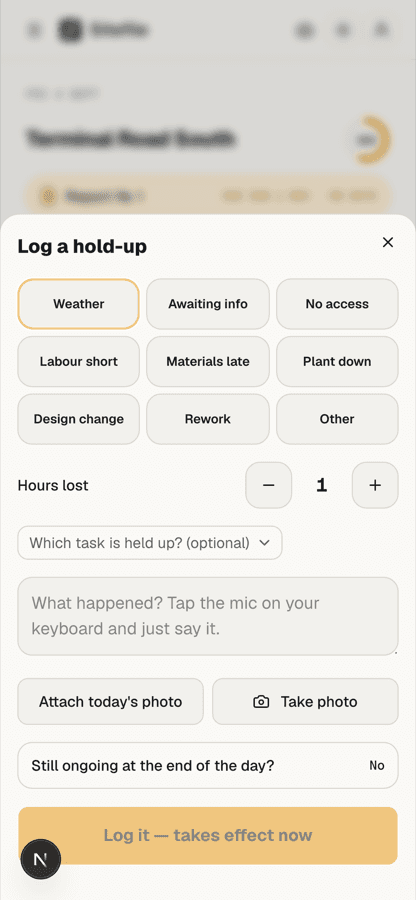
Your team takes photos on their phones — same as today. GPS position, time and camera data are recorded automatically with every shot. Nothing to install.
Link to your programme
Import your programme from MS Project, Excel or PDF. Sitefile suggests the right task for each photo using location and timing — you confirm in a click.
Report in one click
A full progress report — written narrative, programme chart, photo records, verification and sign-off — generated as a branded, password-protected PDF.
Programme
Your programme, with the evidence pinned to it
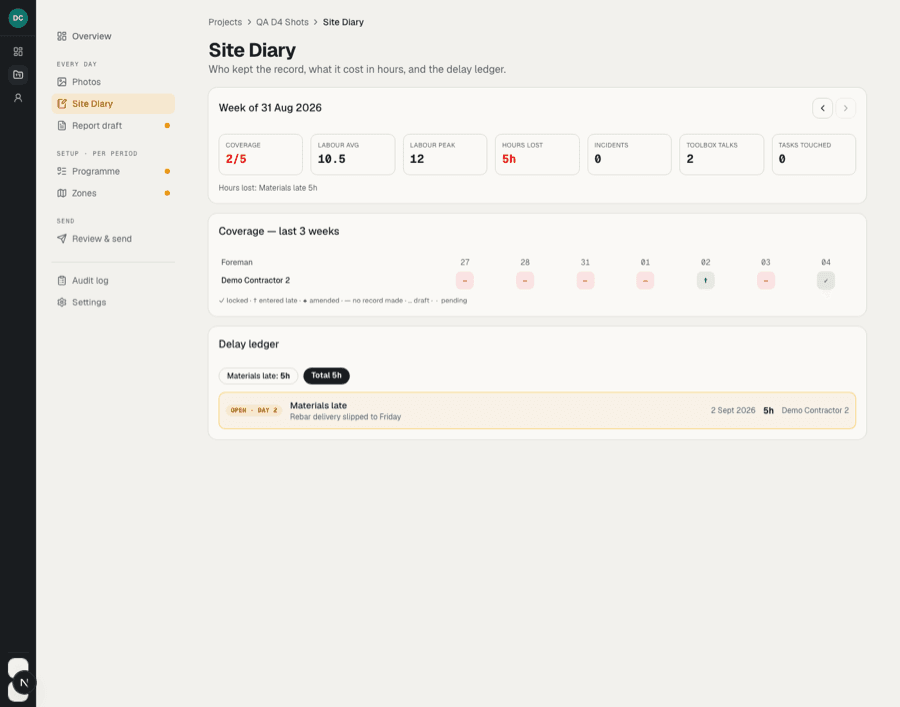
Import the programme you already run the job with. Track planned against actual, see progress per activity, and watch photo evidence appear on the timeline the day it was captured.

Evidence
Every photo accounted for
Photos land in one gallery — GPS-tagged, timestamped, linked to the right task. Filter by activity or phase, add notes from site, and nothing lives on someone's phone anymore.

Site zones
Draw your site once — photos check themselves in
Outline your site areas on the map. Every GPS-tagged photo is automatically checked against your zones, and the right task is suggested before anyone has to think about it.

Evidence your client doesn't have to take on trust
GPS on every photo
Every photo records where it was taken and is checked against your site zones automatically.
Preserved, not edited
Capture timestamps and camera metadata are kept exactly as the device recorded them, and every action is audit-logged.
Controlled sharing
Reports go out as PDFs you can encrypt with a password. Your client sees exactly what you send — nothing else.
Your data, protected
Project data hosted in the EU, isolated per company, handled under UK GDPR.
Full details in our privacy policy.
Why Sitefile exists
The monthly progress report shouldn't take a day: chasing photos off phones, matching them to the programme from memory, formatting the same document again at 9pm. The photos already exist — the evidence of when work was actually done already exists. Sitefile was built on live programmes to make that evidence organise itself, so the report is a click, not an evening — and so when a dispute lands months later, the proof is already filed.
Simple pricing
One flat fee per live project. Photos, programme, reports and your whole site team included. No per-user charges.
Get startedCommon questions
Do my site team need to install anything?
No. Sitefile runs in the phone's browser and can be added to the home screen like an app — thirty seconds, no app store.
What can I import my programme from?
MS Project XML, Primavera P6 XML, Excel, or a PDF of the programme — tasks, dates, hierarchy and progress come across.
Where does my project data live?
Project data is stored in the EU (Frankfurt), photos in secure cloud storage, and every report is a password-protected PDF you control.
How much does it cost?
£99 per project, per month — flat. Photos, programme, reports and your whole site team included.
More questions answered on the support page.